Github+mkdocs+vscode製作網頁
創建帳號
請先擁有github帳號並登入
創建儲存庫
1.到主頁
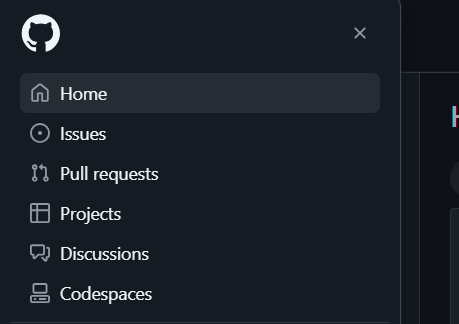
2.創造儲存庫
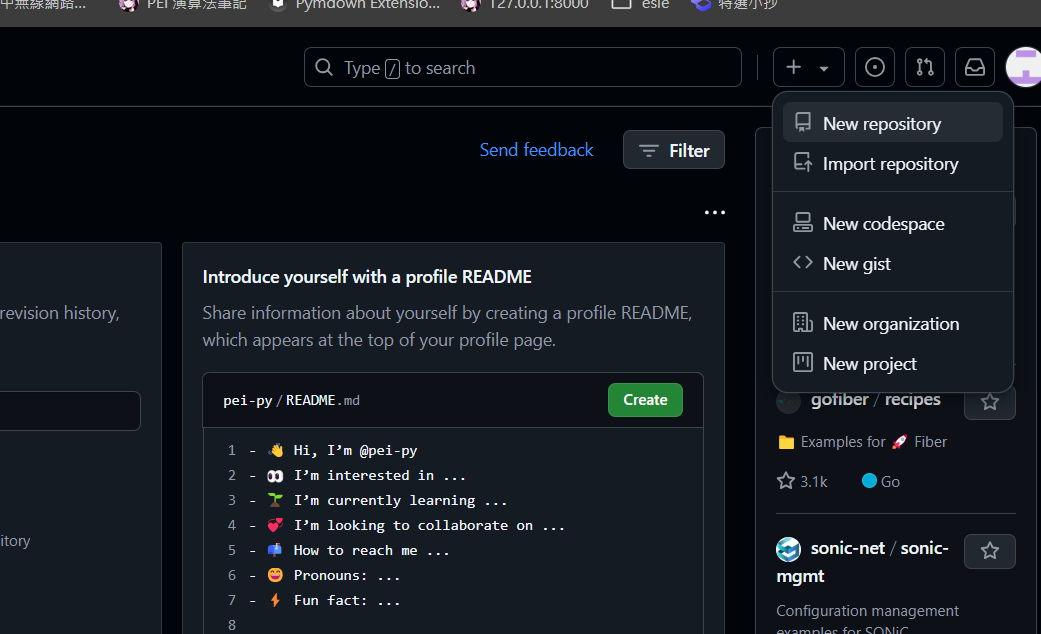
選擇 New repository
3.選擇網頁名稱
其實輸入
{你的ID}.github.io
就好
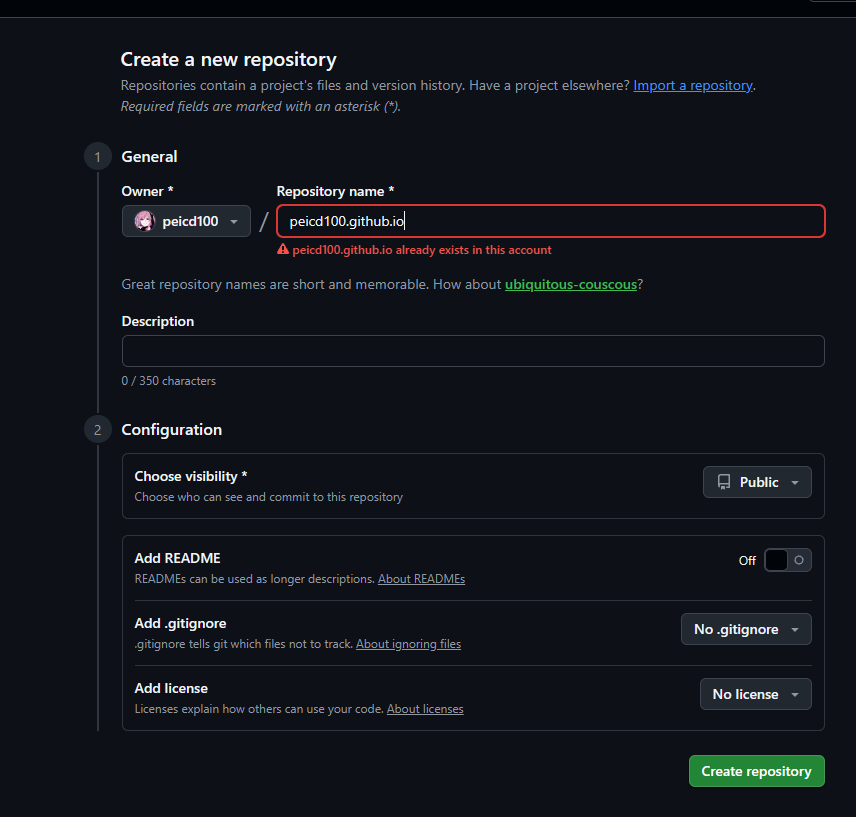
假設輸入的是{你的ID}.github.io,那網址就會是
https://了{你的ID}.github.io/
如果不是{你的ID}.github.io,假設為「網頁」,那網址就會是
https://{你的ID}.github.io/{網頁}
個人覺得使用你的ID就好,因為加載好像會比較快
除非你想在同一個帳號使用多個網址,做多個網頁
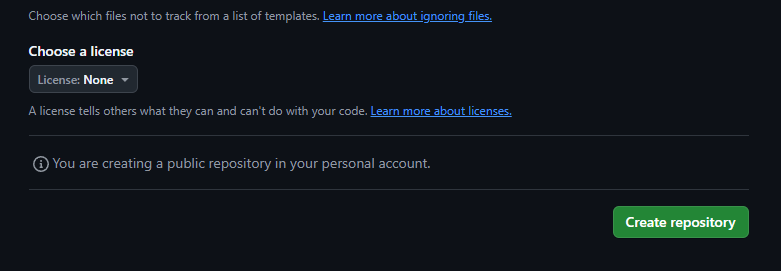
選好名稱直接按建立儲存庫即可
4.下載(創建)檔案
接下來選一個資料夾,下載以下檔案
https://drive.google.com/drive/folders/1DXs3hrqOpYwT8FgT0h4GEQDcjjxcLhef?usp=drive_link
5.連結Github
使用vscode開啟子資料夾(root),在cmd執行以下程式(請選好你要使用的環境,python不要太舊即可):
需要替換{你的儲存庫網址}
輸入git remote set-url origin https://github.com/<user>/<repo>.git
輸入至cmd
git init
git remote add origin https://github.com/peicd100/peicd100.github.io.git
如果已經設定過,但不想要,可用以下指令
# 更換
git remote set-url origin https://github.com/peicd100/https-peicd100.github.io.git
# 刪除
git remote remove origin
6.安裝所需庫
執行
conda install pip -y #手動安裝pip
pip install -r requirements.txt
7.推上github
mkdocs gh-deploy
要用root
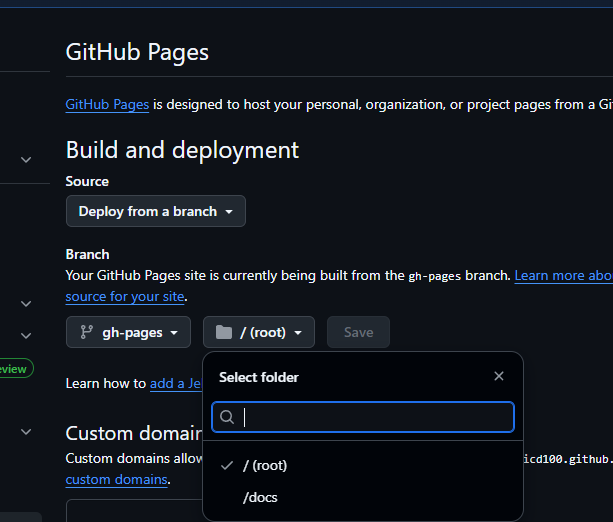
登入其他帳戶(已經有做過)
1.刪除原本帳戶憑證之後再推一次
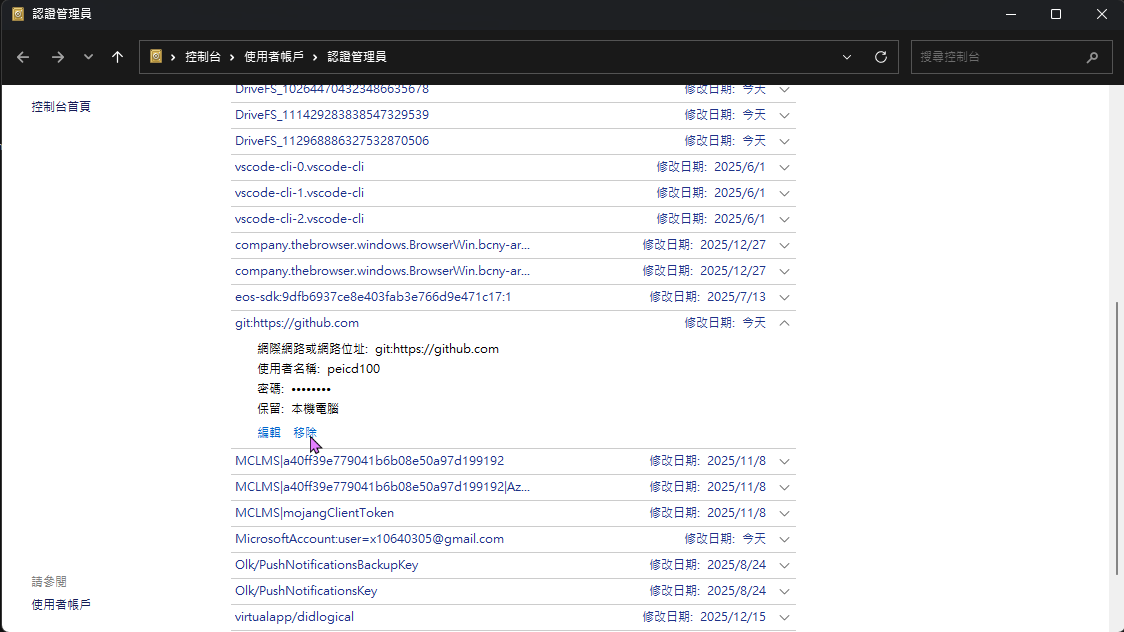
全部重來
- 安裝git https://git-scm.com/downloads/win
-
點開

-
git config --global user.name PEICD100
git config --global user.email x10640305@gmail.com
- 在conda安裝git
conda install git -
在conda設置git
git init git remote add origin https://github.com/pei-yan-2147.git -
安裝所需
pip install -r requirements.txt -
執行
mkdocs gh-deploy
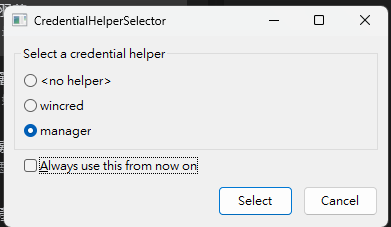
會跳出下面,就是「以管理員」和「登入」
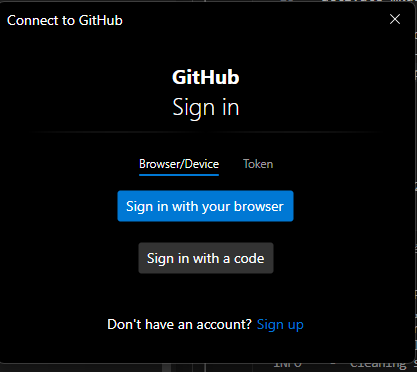
就可以了